3 min read
The 5 Problems of Excel

Many companies struggle with facilitating (centralized) company data. As a result, employees only get limited opportunities to analyze business data. The consequence is that they start working with Excel spreadsheets themselves in order to still be able to create analyses and reports. The lack of access to (centralized) company data means that various Excel spreadsheets are developed. These are then stored in local databases. This results in an overgrowth of Excel files and a loss of data quality. The business needs more reliable and faster answers, without complicated constructions in Excel, or dependency on the IT department.
The 5 Problems
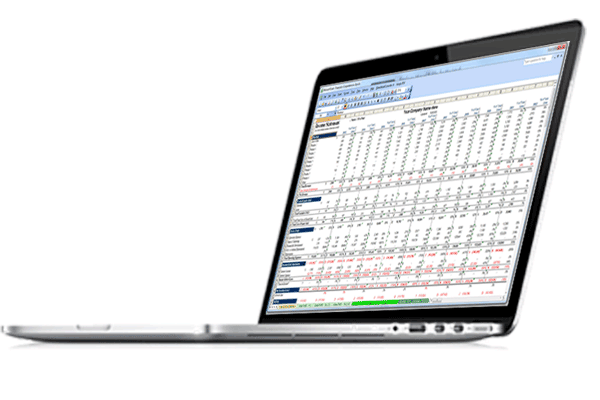 When you use spreadsheets to perform analyses, you're starting a very cumbersome and error-prone process. And not just one, but multiple people within an organization will be working on it. This results in multiple versions of the truth within the company. In addition, others don't dare touch the Excel file for fear that a complex formula might accidentally be deleted. This causes the company to miss out on opportunities for collaboration and new insights.
Of course, the spreadsheet will tell you a fair amount about the business. But when you look at the amount of time and, above all, effort that goes into creating such a spreadsheet compared to the added business value, the two don't add up. The same tasks can be performed with enormous speed, ease, security and governance using Business Intelligence tools. The problems of working with Excel (to create reports and analyses) can be summarized briefly in this top 5:
The 5 problems of Excel
1 Multiple versions of the truth due to lack of version control
2 Error-prone: if something goes wrong, important reports can be delayed and money can be lost
3 Performance issues; spontaneous 'Excel has stopped working' messages
4 Colleagues are afraid to touch the complex constructions in the spreadsheet
5 Not all colleagues are equally experienced with Excel
The Future
What used to work in Excel no longer holds up now, and certainly won't in the future. The business wants answers, and wants them as quickly as possible. Waiting weeks for a report is no longer feasible and will even cost money. This means tools need to be deployed to make ad hoc analyses a reality. According to Gartner (Gartner 2015 Magic Quadrant for BI and Analytics Platforms), organizations' need to handle larger volumes of data will only increase. This means the tools used for analysis will need to be able to handle this increase, at the speed the business requires.
Choosing Good BI
Switching to a different Business Intelligence tool, or starting with one, doesn't have to mean a complex and lengthy implementation. With Business Intelligence software from Qlik, a complete dashboard can be ready for use within a few days. With just one version of the truth, while you can still work independently. Qlik Sense is so simple that you can drag and drop your data straight into the app. After that, you drag in the visualization you want, and within minutes you have a complete dynamic dashboard to click through and analyze. Completely on your own.